- Genre
- Word Puzzle
- Play time
- 2-5 minutes per puzzle
- Best for
- A daily brain warm-up
- Platform
- Mobile web, no install
About
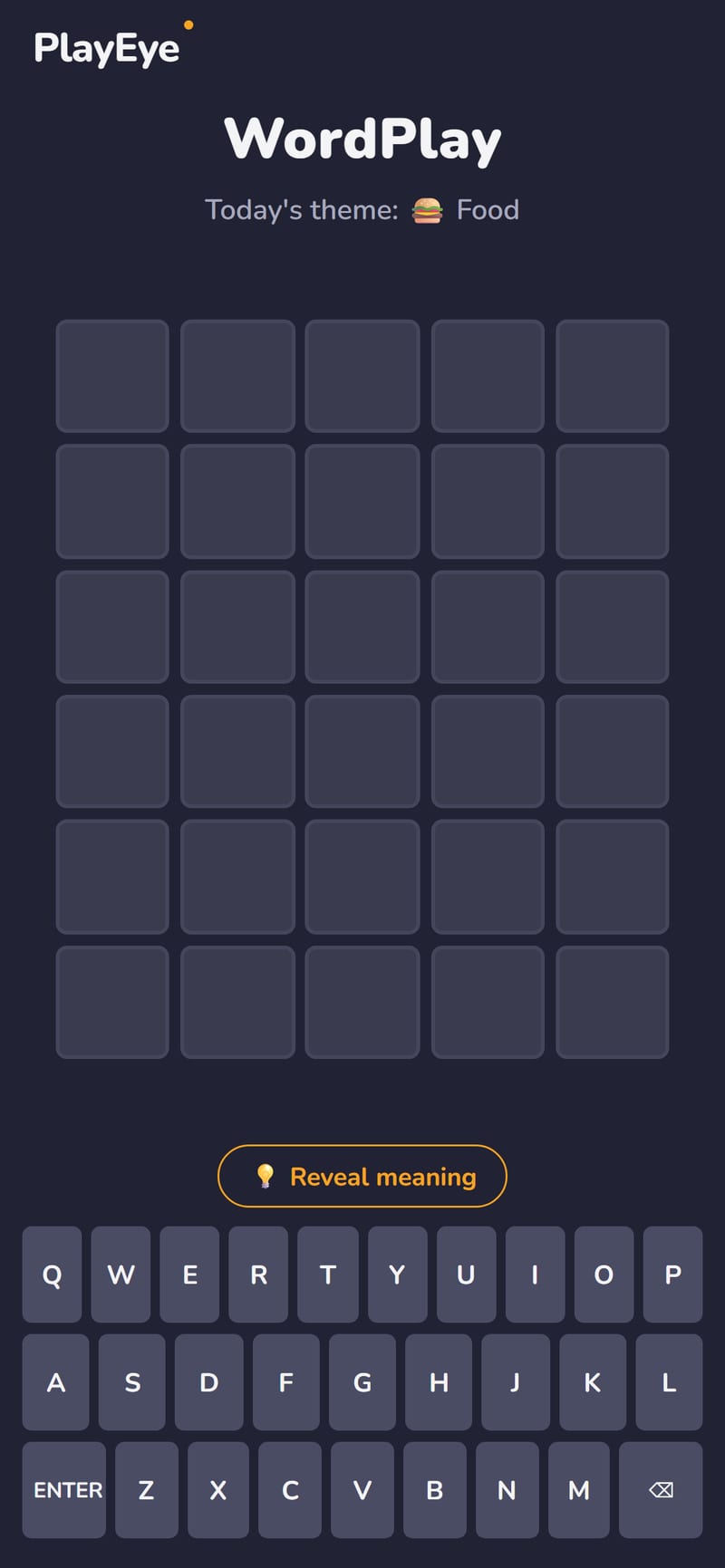
WordPlay is a daily word puzzle built around one satisfying ritual: every day there's a single hidden five-letter word, and you have six guesses to find it. Type any real five-letter word, hit enter, and the tiles flip to tell you how close you are — a familiar idea, refined into a quick, fair, and genuinely replayable daily challenge.
What sets each day apart is the theme. One morning the answer might belong to Food, the next to Animals, Nature, or another category shown right at the top of the board. The theme is a gentle nudge rather than a giveaway: it narrows the field of possible answers and gives your guesses a direction, so even a tricky word feels solvable with a little thought.
Stuck halfway through? WordPlay has a built-in meaning hint. Reveal the dictionary-style definition of the hidden word and use it to reason your way to the answer. This makes the game a quiet little vocabulary workout — especially valuable for English learners, who get to connect a word's spelling, theme, and meaning all in one short session.
When you finish, WordPlay turns your solve into a spoiler-free emoji grid you can share with friends — the same colored squares, none of the letters — so everyone can compare how they cracked the same daily word. There's also a Practice mode for when one puzzle a day isn't enough, plus stats and a streak counter that quietly reward you for coming back. Each daily puzzle is short, the rules take seconds to learn, and there's always a fresh word waiting tomorrow.
How to Play
- Type any valid five-letter word and press ENTER to lock in your guess
- A green tile means that letter is correct and in the right spot
- A yellow tile means the letter is in the word but in a different position
- A grey tile means the letter isn't in the word at all
- You have six guesses to find the hidden word for today's theme
- Tap "Reveal meaning" for a definition hint if you get stuck
- Solve it, then share your emoji-grid result with friends
Tips & Strategy
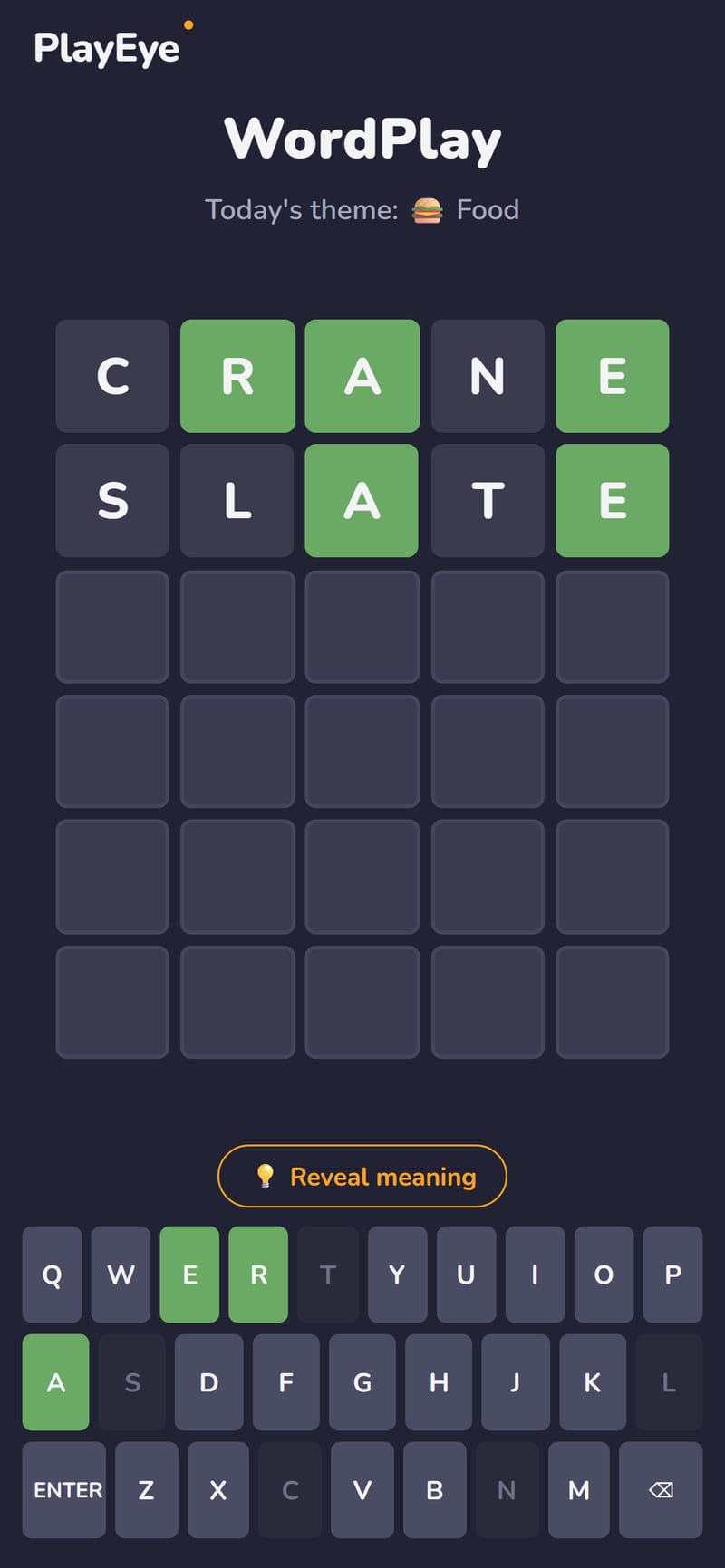
- Open with a vowel-rich word. Starters like CRANE, SLATE, or ADIEU test several common vowels and consonants at once, so your first row tells you a lot.
- Let the theme guide you. The category at the top of the board narrows the answer down. Once you have a couple of letters, lean on the theme to brainstorm words that actually fit it.
- Mine the grey tiles. Knowing which letters are not in the word is just as useful as the greens. Avoid reusing eliminated letters so every guess gathers new information.
- Reposition your yellows. A yellow letter belongs in the word but not where you placed it — try it in a different slot on your next guess instead of dropping it.
- Use the meaning hint wisely. If you're down to your last guesses, reveal the definition. It often points straight at the answer when the theme alone isn't enough.
Reading the Tiles
Each day hides a single five-letter word, and you get six guesses to find it. Type any valid five-letter word, press enter, and the row flips to show how each letter stacks up against the answer:
- A green tile means that letter is correct and sitting in the right position.
- A yellow tile means the letter is in the word, but you've placed it in the wrong spot.
- A grey tile means the letter isn't in the answer at all.
The art of the game is squeezing the maximum information out of every row, because six guesses go faster than you'd think. Each guess should be a deliberate experiment, not just a stab at the answer.
What Makes WordPlay Its Own Game
Two features set it apart from a plain letter-guessing puzzle, and using them well is most of the strategy:
- The daily theme. Every day's answer belongs to a category — Food, Animals, Nature, and others — shown right at the top of the board. It isn't a giveaway, but it sharply narrows the field of plausible answers and gives your guesses a direction. Once you've got a couple of letters, the theme is what turns "some five-letter word" into a short, solvable shortlist.
- The meaning hint. Stuck partway through? You can reveal a dictionary-style definition of the hidden word and reason your way to it. This is what makes WordPlay double as a quiet vocabulary workout — especially for English learners, who get to connect a word's spelling, theme, and meaning in one short session.
When you finish, the game turns your solve into a spoiler-free emoji grid — the colored squares, none of the letters — so you can share how you cracked the same daily word with friends. There's also a Practice mode for when one puzzle a day isn't enough, and a stats and streak counter that rewards you for coming back.
Solving Tips
- Open with a vowel-rich word. Starters like CRANE, SLATE, or ADIEU test several common vowels and consonants in one go, so your very first row tells you a lot about what is and isn't in the answer.
- Let the theme steer your guesses. Once you've confirmed a letter or two, lean on the day's category to brainstorm words that actually fit it. The theme is doing half the elimination for you — use it.
- Mine the grey tiles as hard as the greens. Knowing which letters are absent is just as valuable as knowing which are present. Don't waste a guess reusing a letter you've already ruled out; every row should gather new information.
- Move your yellows, don't drop them. A yellow letter belongs in the word — just not where you put it. Your next guess should try it in a different slot rather than abandoning it.
- Spend a guess on elimination when you're stuck. If several answers fit, a guess packed with untested letters can rule out more options than a hopeful direct attempt at the word.
- Save the meaning hint for the back half. If you're down to your last guess or two and the theme alone hasn't cracked it, reveal the definition — it often points straight at the answer.
Daily Structure & Progression
WordPlay is built around a once-a-day ritual: one fresh hidden word, one theme, six guesses. Because everyone is solving the same word on the same day, the emoji-grid share turns it into a friendly daily comparison. The streak counter quietly rewards consistency — coming back day after day — while the stats track how you tend to do. And when a single puzzle isn't enough, Practice mode lets you keep playing extra rounds without touching your daily streak. If you'd rather race letters than deduce them, our Typing Shooter is the fast-fingered, keyboard side of the same word-loving coin.
Frequently Asked Questions
How many guesses do I get?
Six. Each guess must be a real five-letter word, and the colored tiles after each one narrow down the answer.
What does the theme do — is it the answer?
No, it's a category (like Food or Animals) shown at the top of the board. It narrows the pool of likely answers and gives your guesses direction, but you still have to work out the exact word.
What's the meaning hint for?
It reveals a dictionary-style definition of the hidden word so you can reason toward it when you're stuck. It's especially handy for English learners, since it links the word's spelling, theme, and meaning together.
Can I play more than one puzzle a day?
Yes — there's a Practice mode for extra rounds whenever the daily puzzle isn't enough. Your daily streak and stats stay tied to the once-a-day puzzle.
How does sharing work without spoiling the answer?
When you solve it, the game generates an emoji grid of just the colored tiles — no letters. You can share that to compare results with friends without giving the word away.